How to prompt Gemini for videos: a practical framework for commercial shots

The pattern is always the same. You write a careful paragraph describing the product shot — the bottle shape, the pink label, the slow push-in on the nozzle — you submit it to a Gemini-powered video generator, and the render comes back with the label wrong, the camera locked in place, and three of your described details simply gone. After the fourth regeneration you start wondering whether the model is ignoring you. It is not ignoring you. It is responding to the structure of what you wrote, and to the order in which you wrote it.
A Gemini video prompt behaves less like a description and more like a director’s brief. The model reads it as one short scene, weights the early descriptors more heavily, and drops whatever it cannot reconcile into a single coherent shot. Long, adjective-stuffed paragraphs do not produce richer footage. They produce generic footage with a few of your details accidentally surviving.
What Gemini’s video model actually responds to
Gemini’s video generation treats a prompt as a single, short scene brief rather than a full production script. It does not parse a paragraph the way a human reader would, extracting every clause and holding it in memory. It compresses the input into one shot, and in that compression some elements win and others fall away. Subject, camera movement, lighting, and action carry the most weight. Mood words and style adjectives carry far less, especially when they appear late in the prompt.
Production prompts tend to stay in the 50–90 word range, and a single generation pass typically yields only a few seconds of footage. Plan for short shots, not scenes. If you need a 10-second commercial, that is usually several separate generations stitched together, not one prompt producing a continuous sequence. The official Gemini video generation prompt guide makes the same point in plainer terms: keep the scene narrow, keep the prompt tight, and describe one primary action.
The practical implication is uncomfortable for anyone coming from text-to-image prompting. With image models you can stack descriptors — “minimalist, modern, stop-scroll, pastel, soft shadows” — and the model distributes them across the frame. Video models do not distribute. They prioritize. The first few elements you write become the backbone of the shot, and everything after the first sentence competes for whatever attention remains.
This is why the same prompt written two different ways produces visibly different footage. The model is not capricious. It is structurally biased toward whatever you front-load.
A repeatable prompt structure for commercial footage
A working commercial prompt breaks down into six elements, and the order matters more than the wording. Subject first, then action, then camera movement, then lighting, then style, then output parameters. Reordering a prompt so the subject appears before the style reduces the chance of the model defaulting to a generic visual treatment. When the style descriptor leads, the model often fills the subject in with whatever it considers typical — which is rarely your product.
The structure looks like this:
| Prompt element | What it controls | Working example (food commercial) |
|---|---|---|
| Subject | The hero object and its key attributes | a glass bottle of pink soda with a white nozzle |
| Action | The single motion the subject performs | liquid being poured into a chilled glass |
| Camera movement | How the shot moves | slow push-in toward the label |
| Lighting | Direction and quality of light | soft key light with a warm rim light |
| Style | Visual treatment and mood | minimalist, modern, stop-scroll advertising |
| Output parameters | Framing and technical specs | 9:16 vertical, 10 seconds, photorealistic |
Each element gets its own clause. Do not bury the camera move inside an adjective stack like “with a slowly pushing-in lens” — write “slow push-in” as a standalone phrase. Camera movement reads more reliably as its own clause than wrapped inside descriptive modifiers. The model treats it as an instruction rather than a texture.
Keeping each element to its own clause also makes the prompt easier to debug. When a render comes back wrong, you know which clause to cut or rephrase. When everything is fused into one long sentence, you cannot isolate the cause.
A worked example of this structure is a 10-second vertical food commercial prompt that leads with the dish, specifies the pour, and only then introduces the minimalist treatment. The subject survives because it arrived first. Google’s Veo 3 prompting guidance makes a similar recommendation: state the subject and the action before layering in style and atmosphere.
Writing product and food scenes that survive the render
Ecommerce footage has constraints that general cinematic prompts do not. The product must stay recognizable — bottle shape, color, nozzle, label — across the entire shot. Object permanence is the term for it, and video models handle it unevenly. A prompt that asks for a specific bottle and then a specific pour will often render the bottle correctly in the first frame and drift on the label by the third.
For advertising use, a 9:16 vertical shot of a single hero product with one clear action out-performs a wide establishing shot of several products. The model holds a single subject more reliably than a group, and the vertical framing matches where the footage will actually run. Stop-scroll framing asks the prompt to lead with a visually dense hero shot that reads instantly at small size — which means the subject and its texture must dominate the first clause.
Food scenes add another layer. Texture, steam, and motion are what sell food, and each needs to be named explicitly. “Steam rising from the surface” as its own clause survives better than “a steaming hot dish.” The model renders named motion more reliably than implied motion.

The same discipline applies to footwear and apparel. An Air Max footwear commercial prompt that names the shoe model, the surface, and the camera arc in the first two clauses holds the product shape far better than one that opens with a mood. The product is the subject. Everything else is context.
Iterating from first pass to usable footage
The first render is a scout, not a deliverable. Most usable commercial clips emerge only after several regeneration cycles, and the difference between the first and final pass is usually structural, not descriptive. I have spent more time than I want to admit re-running the same prompt with the same adjectives, expecting a different result. The fix was never more adjectives.
A worked example from my own workflow: I wrote a long prompt for a product shot — the bottle, the pink color, the nozzle, the label, soft lighting, a slow push-in, minimalist styling, all fused into one dense paragraph. The render came back with a generic bottle, a static camera, and none of the details I cared about. I regenerated three times with more descriptive language. Each pass returned the same generic footage with slightly different lighting.
The fix was reordering. I moved the subject to the front, isolated the camera move into its own clause, and cut the mood words. The next render held the bottle shape and the label, and the push-in actually moved. The structure, not the adjectives, solved it. The consequence of getting this wrong was repeated reruns and a lot of wasted generation time before the obvious fix became clear.
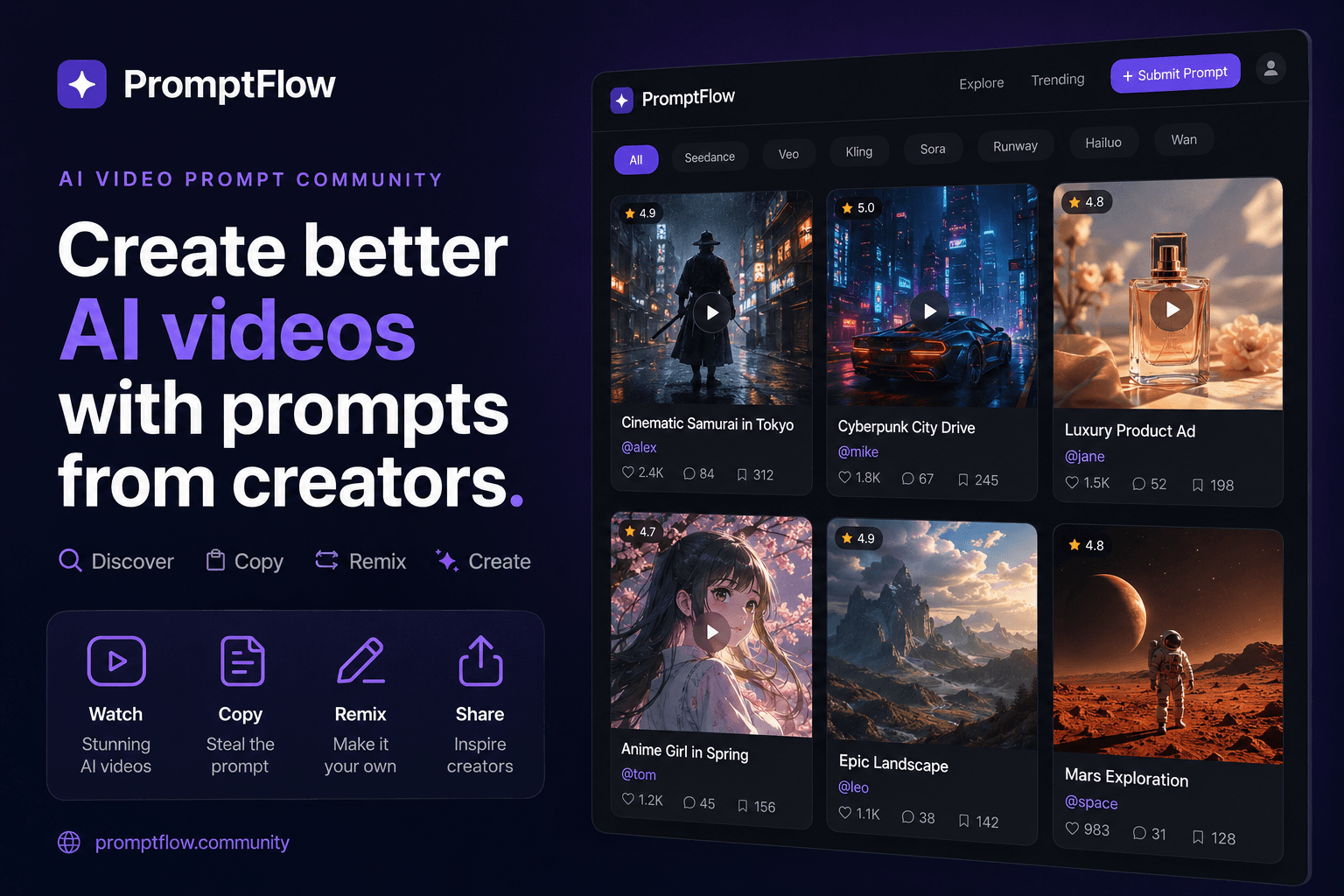
This is where keeping a remixable library of proven prompts pays off. Hand-writing every variant from scratch is slow and inconsistent, and it makes versioning impossible. When I keep prompts in a library, I can trace which edits produced which result. I use VideosPrompt for this — it stores working prompts, lets me remix them, and keeps the structure visible so I am not reconstructing a working prompt from memory after a week away from the project. The versioning matters more than it sounds like it should. When a prompt stops working after a model update, you need to know what changed and what it looked like before.
A premium commercial product prompt that has been through several regeneration cycles is worth more than a fresh one written from scratch, because it has already been debugged. The drift has been identified, the clauses reordered, the dead adjectives removed. That is the asset.
Common failure modes (and what they teach you)
The predictable ways renders go wrong are worth cataloging, because they are all diagnostic. Dropped mid-prompt elements happen when a prompt exceeds what the model can hold in a single scene. Inconsistent product details across shots happen when you are stitching multiple generations together and the prompt does not lock the product attributes tightly enough. Style drift toward generic output happens when mood words lead the prompt and the subject gets filled in by default. Overloading the prompt with too many simultaneous constraints is the most reliable way to produce a failed render.
Overloading a prompt with more than one or two simultaneous subject changes is a reliable way to produce a failed render. If the prompt asks for a color change, a camera move, a lighting shift, and a label swap all at once, the model will drop most of them. It holds one or two changes per shot. Everything else falls away.
The broader survey of video generation prompts makes a similar observation across models: the prompts that work are the ones that ask for less per shot. When the model simply cannot hold the scene — when the render keeps collapsing into something unrecognizable no matter how you reorder the clauses — the answer is shot splitting. Break the scene into separate generations and stitch them. A product reveal, a pour, and a close-up on the label are three shots, not one prompt.
An ultra-photorealistic Sprite commercial prompt works precisely because it asks for one thing: a can, a surface, a single motion, rendered with high fidelity. It does not try to tell a story. It lets the footage be one clean shot, and the commercial reads as a sequence of those shots.
There is a limit to what any current video model holds in a single scene. Knowing when to split is the difference between fighting the model and working with it.
FAQ
Does Gemini generate video directly, or do you need a separate model to render it?
Gemini’s video generation is powered by the Veo model family, so you are effectively prompting Veo through Gemini’s interface. You do not need a separate rendering tool, but you do need to know which model version you are targeting, because prompting behavior shifts between versions.
How many words should a single Gemini video prompt be?
Keep it in the 50–90 word range. Anything longer tends to drop mid-prompt elements, and anything shorter often lacks enough detail to hold the subject. The structure matters more than the count — six elements in separate clauses beats one dense paragraph every time.
Why does my rendered clip ignore part of my prompt?
The model weights early descriptors more heavily, so anything written after the first sentence competes for attention and often loses. Front-load the subject and the action, and move style and mood to the end. If an element keeps disappearing, move it earlier or give it its own clause.
Can the same prompt be reused across different AI video tools?
Partially. The structural principles transfer, but each model weights descriptors differently and has different output parameters. A prompt tuned for Veo may need reordering for another model. The subject-first structure survives the transfer; the exact wording usually does not.
Share Article


