Veo 3.1 for Cross-Border Ecommerce: What Product Teams Should Know

A product hero video that performs well on a US storefront often feels off on a European or Southeast Asian catalog page. The pacing runs too fast, the camera angles read as aggressive, and the amount of motion per frame simply doesn’t match what local shoppers expect. Cross-border teams have historically worked around this by shipping one global asset and hoping it translates. Veo 3.1 changes that calculation because prompt-driven reshoots are now fast and cheap enough to test per region instead of settling for a single compromise.
The short version: Veo 3.1 generates roughly 8-second clips at up to 4K resolution with native audio, and the relative cost reportedly runs about 30% lower than Veo 3. That price difference is what makes per-market production viable for teams that previously budgeted for one hero video and nothing else. All spec figures here should be verified against current Google DeepMind documentation before you commit to a production plan, since model details shift between releases.
What Veo 3.1 Changes for Cross-Border Product Video
Veo 3.1 sits on Google’s release timeline as a refinement of Veo 3 rather than a ground-up rebuild. The capability shifts that product teams notice first are output resolution, clip length, native audio, and prompt adherence. Each of these matters differently depending on where you deploy the footage.
For product hero video, the resolution jump from 1080p to 4K is the most visible change. Category-page motion assets also benefit, though the improvement is less dramatic when the video renders inside a small embedded player. Native audio matters more than most teams expect, because silent autoplay is no longer the default assumption on every platform. Prompt adherence is the quiet differentiator — Veo 3.1 follows detailed scene descriptions more closely than its predecessor, which reduces the number of regeneration cycles needed to hit a brief.
The cost structure shift is what actually changes workflow decisions. When producing multiple market variants instead of one global spot, the per-generation cost determines whether regional testing is feasible at all.
| Feature | Veo 3 | Veo 3.1 |
|---|---|---|
| Max output resolution | Up to 1080p | Up to 4K |
| Max clip length | ~8 seconds | ~8 seconds |
| Native audio | Yes | Yes |
| Relative cost | Baseline | ~30% lower |
The 8-second clip length has not changed between versions. Teams that need longer sequences still have to stitch multiple clips together or plan shots that fit within the window. What has changed is the cost of iterating on those clips until they match a regional brief.
Where Veo 3.1 Fits in Cross-Border Production Workflows
The concrete scenarios where cross-border teams actually deploy Veo 3.1 are hero product videos, category-page banners, and market-specific ad creatives. The common thread is localization by prompt adjustment rather than full reshoot. A team starts from a global motion template and adapts the angle or pacing per region, which compresses what used to be a multi-week production loop into roughly a day of iteration.
The workflow difference between repurposing a static product still and generating fresh motion per market is substantial. A static image can be cropped, recolored, and re-laid-out in hours. Fresh motion requires rethinking camera movement, object behavior, and timing for each regional variant. Veo 3.1 makes the second path affordable, but only if the team has a reliable way to source starting prompts rather than drafting everything from scratch. Many teams pull vetted commercial prompt templates from a community platform like VideosPrompt to avoid the trial-and-error phase of prompt development.
The practical pattern that works is building one motion template and then varying specific parameters per market. For a beauty product, that might mean changing the hand gesture speed, the lighting warmth, or the background texture while keeping the core product movement identical. One team running a lip care line found that a single prompt revision could replace what previously required a full reshoot cycle — a lip oil product video prompt adapted for three different regions produced usable hero assets in a single afternoon.

The teams that get the most out of this workflow treat the initial generation as a starting hypothesis, not a finished asset. They generate, review against regional expectations, adjust the prompt, and regenerate. The iteration cost is low enough that testing three or four variants per market is realistic.
Prompting Veo 3.1 for Consistency Across Markets
Prompt structure drives output consistency across repeated generations more than any other factor. A tightly specified scene description produces fewer off-brief generations than a loose one, and Veo 3.1’s improved adherence means the effort put into detailed prompts pays off more directly than it did with earlier versions. This should be verified against current Google DeepMind documentation, but the directional improvement is consistent with what teams report in practice.
The level of detail needed in a scene description goes beyond what most product teams initially write. A workable prompt includes the camera position, the lens behavior, the lighting direction and quality, the object’s movement path, and the background environment. Style references help anchor the visual language, but they work best when paired with explicit descriptions rather than left as the only guidance.
The cultural mismatch problem shows up in specific places. Text overlays render inconsistently across markets, product angles that flatter one aesthetic look awkward in another, and local expectations about pacing vary widely. A hero video with fast cuts and aggressive camera movement might perform well in one region while feeling chaotic in another. The fix is not a single global prompt but a prompt family with market-specific parameters.
Iterating on a single prompt through several generations before committing to mass production for all markets is the disciplined approach. Google DeepMind’s Veo prompt guide walks through the level of scene-by-scene direction that produces consistent results. Teams that skip this iteration phase tend to discover inconsistencies after the assets are already in production.
One non-obvious finding: the same prompt can produce culturally divergent output across markets because the underlying training data skews toward certain regions. Teams should test the identical prompt per target market rather than assume global consistency. A food commercial prompt that works for a Western audience may generate footage with different portion sizes, plating styles, or even cooking methods when the same text runs through the model. Testing the same prompt across markets reveals these divergences early. A cinematic food commercial prompt adapted for three regions produced noticeably different plating and lighting in each version — none of them wrong, but each clearly tuned to a different visual culture.
Building a Reusable Prompt Library for Veo 3.1 Production
Centralizing validated prompts so the whole team regenerates from proven versions instead of ad-hoc drafts is the operational shift that separates efficient teams from those that constantly restart. Prompt reuse and versioning scale far better than prompting from scratch. Teams that treat prompts as maintained, versioned assets iterate faster and survive model updates more gracefully than teams that rewrite prompts ad hoc for each launch.
Versioning prompts as Veo models update is a real concern. What worked on Veo 3 may not port cleanly to 3.1, because the model’s interpretation of certain phrasing shifts between versions. A prompt that reliably produced a specific camera move on Veo 3 might produce something slightly different on 3.1. Teams that keep versioned prompt libraries can test the same prompt text across model versions and document the differences.
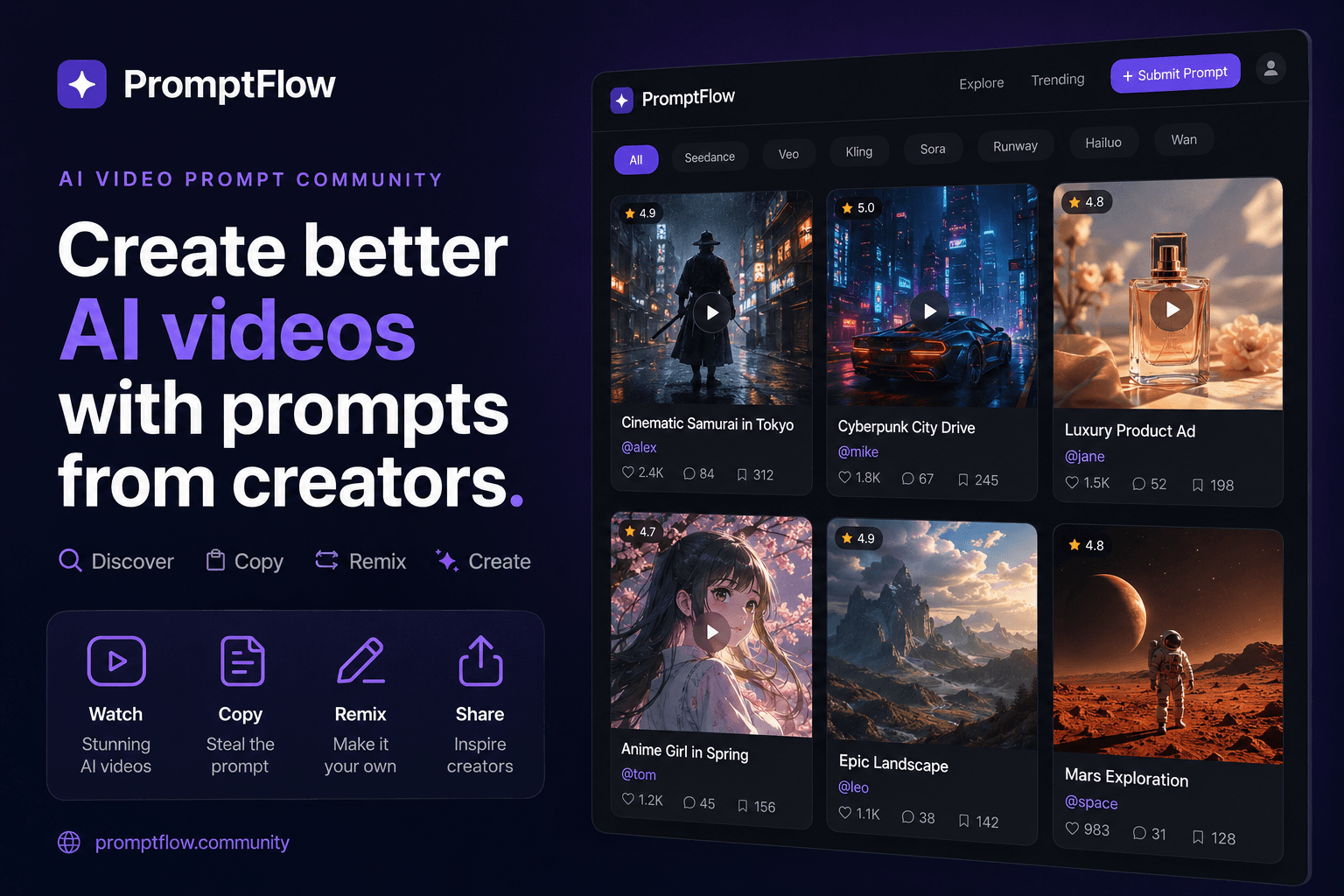
Remixing a single high-performing prompt across multiple product launches is where the time savings compound. A premium product prompt that works for one launch can be adapted with minimal changes for the next product in the same category. The adaptation might involve swapping the product name, adjusting the color palette, or changing the background — but the structural elements of the prompt stay intact. A premium commercial product prompt that performed well for one launch carried over to three subsequent launches with only minor parameter changes.
Teams that maintain a versioned prompt library report cutting per-launch ideation time from days to hours. This is a qualitative observation grounded in workflow logic rather than a published benchmark, but the mechanism is straightforward: the team stops rediscovering what works and starts adapting what already does.
The parallel ecosystem worth watching is Seedance, which has its own community prompt repositories. Comparing how the same prompt text performs across Veo 3.1 and Seedance reveals where each model has strengths, and a Seedance prompt library can serve as a cross-reference for teams running multi-model pipelines. The prompt libraries themselves become the durable asset, not the individual video files.
Treating prompts as maintained assets rather than throwaway text changes how the production team operates. Prompts get named, dated, and annotated with the model version they were validated against. When a new model release arrives, the team runs the existing library through it and documents which prompts still work and which need revision. The versioning discipline is what makes this sustainable, and it applies whether the team works with Veo 3.1, Seedance, or both.
The failure mode that teams should prepare for is the one that hits right before a major launch window. One cross-border team pushed a single Veo 3.1-generated hero video across all markets without per-region testing, then discovered inconsistent text rendering on localized product labels and pacing that underperformed in specific regions. The manual clean-up pass and rework cycle ran roughly two weeks before a Q4 launch, forcing the team to pull the asset from several storefronts and regenerate. The lesson was not that Veo 3.1 failed — it was that skipping the per-market validation step transfers risk directly onto the launch timeline.
FAQ
Is Veo 3.1 better than Veo 3 for ecommerce product video?
Yes, for most ecommerce use cases, mainly because of the 4K output and lower per-generation cost. The clip length is the same at about 8 seconds, and both versions support native audio. The cost difference of roughly 30% is what makes per-market iteration practical.
Does Veo 3.1 generate audio natively?
Yes, Veo 3.1 generates native audio along with the video. This matters for product videos because silent autoplay is no longer the default assumption on every platform, and the generated audio can include ambient sound, voice, or music depending on the prompt.
How long are Veo 3.1 clips and what resolution do they output?
Clips run about 8 seconds at up to 4K resolution. The 8-second limit means longer sequences require stitching multiple clips together. Verify the exact resolution and length against current DeepMind documentation before planning your production.
Can Veo 3.1 render text overlays and product labels reliably?
Text rendering has improved but is not fully reliable, especially for localized product labels. Teams should test text-heavy prompts per market and plan for manual clean-up passes on any asset that includes on-screen text.
What does it take to run Veo 3.1 in a production workflow?
A versioned prompt library, a per-market testing step, and a review process that catches cultural mismatches before assets go live. The cost per generation is low enough to iterate, but only if the team has a structured way to track what works and what does not.
Share Article


